Armoniq is a single SwiftUI application for iPad and Mac. Rendering is PDFKit, annotations are PencilKit on an overlay layer, OCR is Vision, and it talks to keyboards over plain CoreMIDI. No proprietary engine, no remote service, no account.
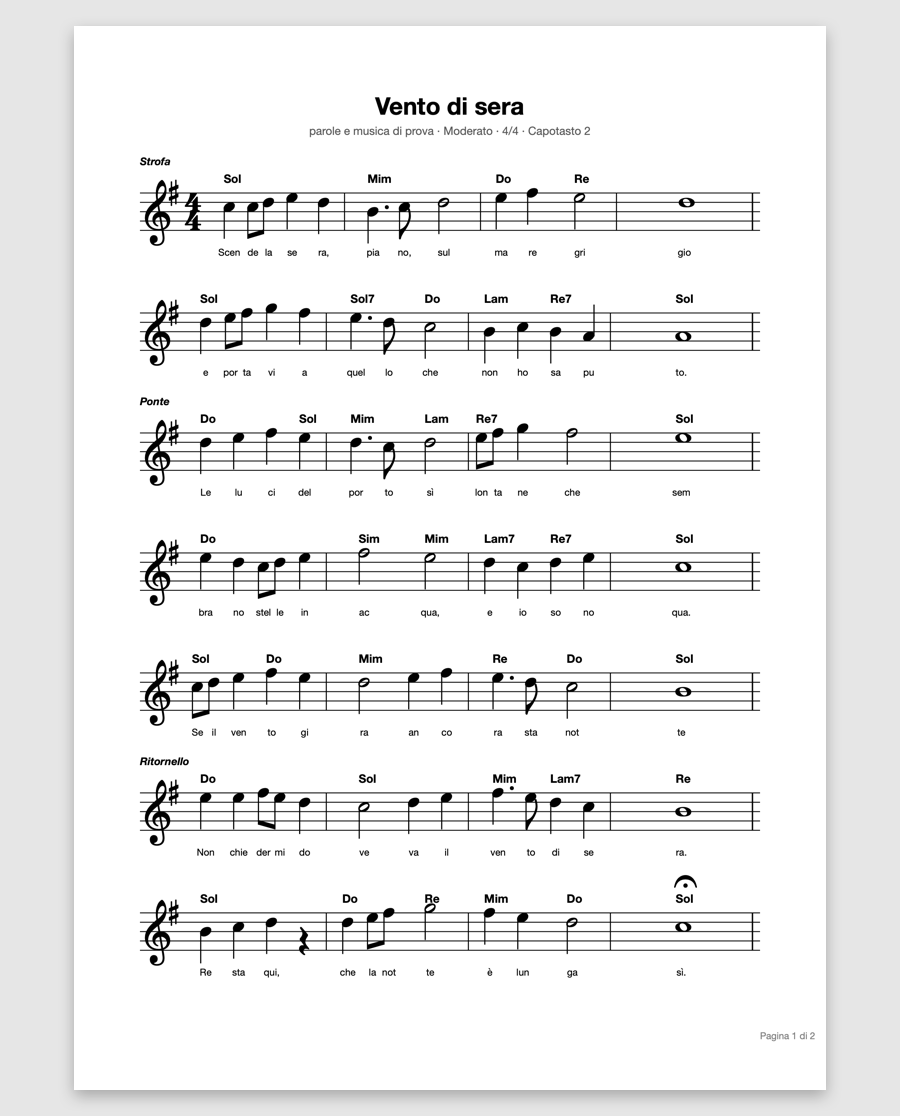
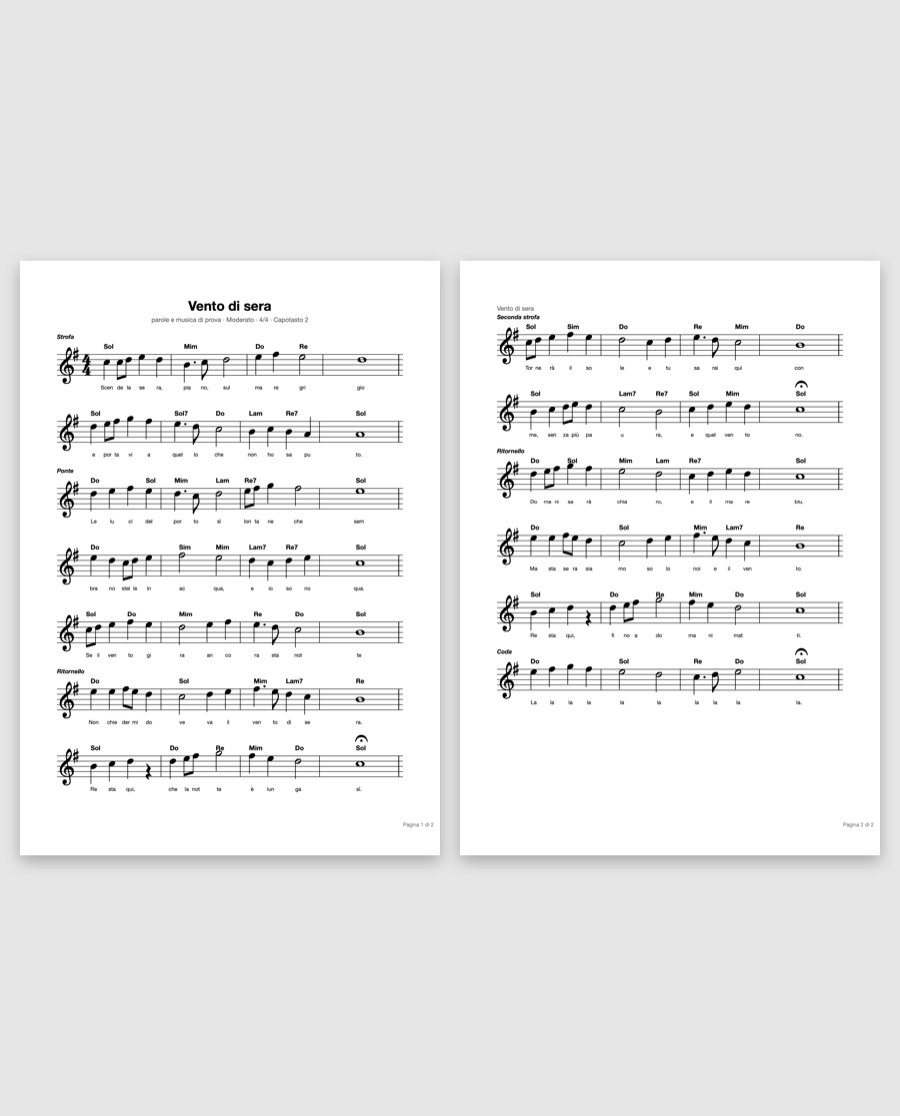
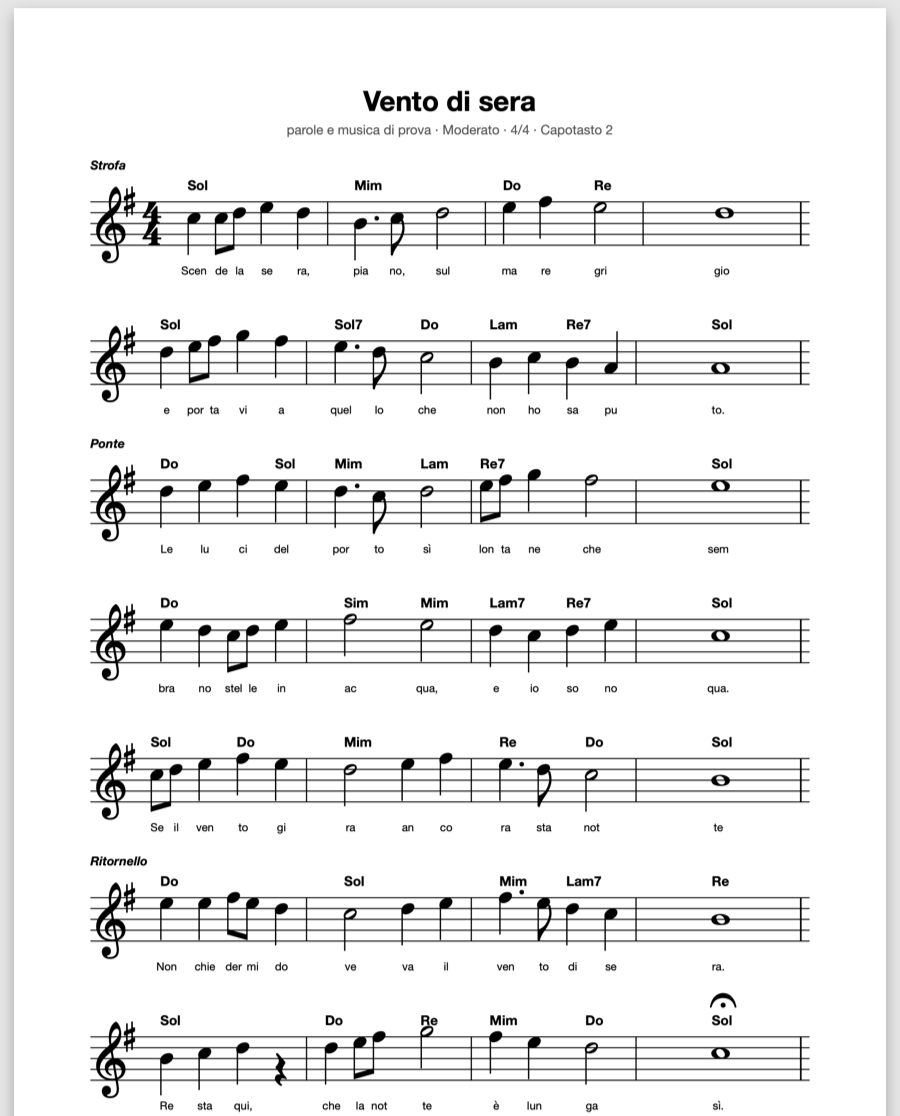
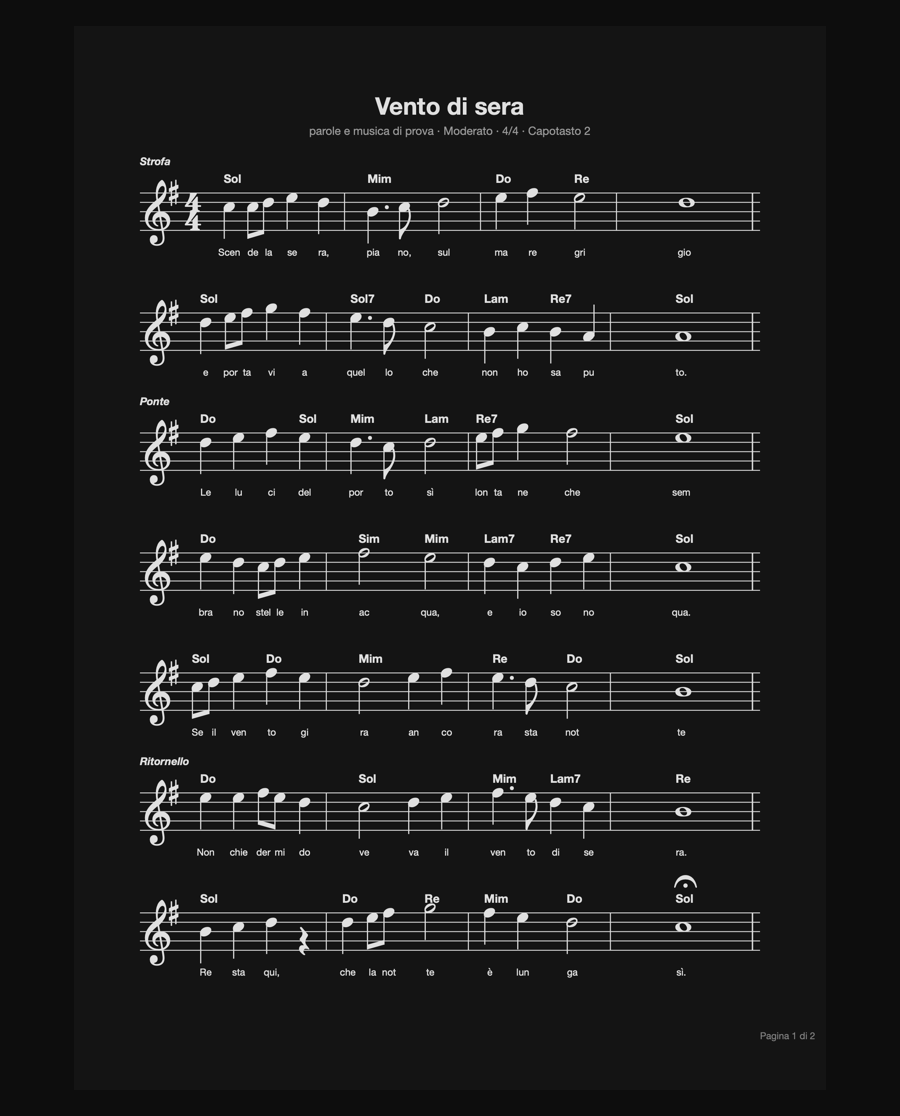
On top of that, Armoniq does something a generic PDF reader cannot: it extracts the chord symbols from the page — from the text layer if the PDF comes from a notation program, from the image if it is a scan — and derives key, degrees, recurring progression and song structure, stating how much the result can be trusted.
The complete list, in short: every entry is told properly further down, in its own section.
Before the features it pays to understand where the files end up, because the app's behaviour follows from there: what happens if you rename a PDF, if you change device, if one day you uninstall Armoniq.
Armoniq opens files read-only and never rewrites them: no flattening of annotations, no conversion, no renaming. What you add — displayed title, favourite, manual order, page count, author read from the cover, MIDI pairing — lives in .armoniq-indice.json, hidden inside the folder.
Practical consequence: you can open the same PDFs with any other program, and if you remove Armoniq they remain ordinary PDF files.
Not a database inside the app. On iPad it is the app's Documents folder, exposed in Files (UIFileSharingEnabled + LSSupportsOpeningDocumentsInPlace); on Mac it is ~/Documents/Armoniq, opened in the Finder. Subfolders are the sections of the library.
Copy a PDF in from the Finder, from Files or via AirDrop and it appears in the list: the app watches the folder and coalesces re-reads, so twenty files copied together don't cause twenty scans.
Strokes, highlights and writings live in .armoniq-note/, one file per score, named after the SHA-256 of the PDF — not the path, not the file name.
Practical consequence: rename the file, move it to another folder, reorganise the whole library, and the annotations stay attached to their score. It also holds after restoring from a backup.
The viewer is the system PDFView, which knows everything about PDFs: progressive loading, memory, print quality. Armoniq's work is in what goes around it — where to frame the page, how much to enlarge it, when to keep it still.
blendMode(.difference) over the viewer: staff and text stay crisp and coloured markings stay distinguishable, without private system filters and without re-rendering the page.
The same document in the four fit modes. Margin cropping is active in all four.
Every page of the PDF gets an overlaid canvas, handed to PDFKit through PDFPageOverlayViewProvider. Strokes are PKStroke: the same objects on iPad and Mac, so what you draw on one device looks identical on the other. The PDF content is never touched at any point.
PKDrawing, PKStroke) but not the drawing view: that one is written by hand in Armoniq, and produces strokes compatible with the iPad's.
The app's real bar. It starts closed (⌘E opens it): you read far more often than you write, and an accidentally active pen leaves marks.
This is what separates Armoniq from a PDF reader with a theory panel bolted on. There is no song database to fish from: the chords are read from that very score, with a multi-stage chain that degrades gracefully when the page is a photocopy from 1987.
accurate mode. If the first pass finds nothing, a cleaned-up image is tried: contrast and sharpening rescue faded photocopies.D/F#. The suffixes are listed explicitly, so “Amore” doesn't become A and “Fammi” doesn't become F.Italian or English naming? The score decides, not a setting: only unambiguous symbols are counted — those with a suffix or an accidental — because an isolated “A”, in an Italian lyric, is a preposition.

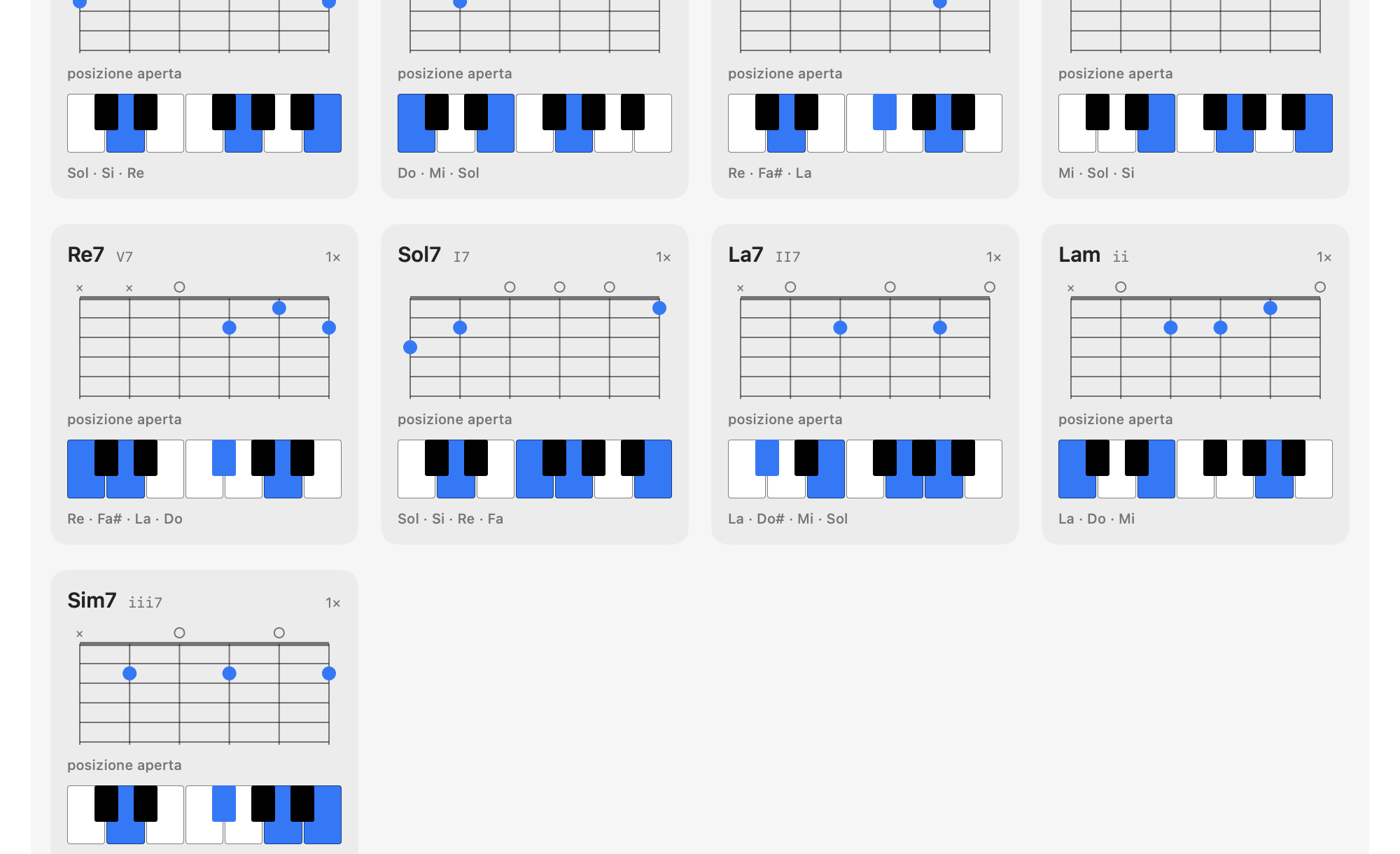
The “Getting started” panel: every chord that was read is shown on the instrument — fretboard grid and keyboard — with the notes that make it.
| “Getting started” panel | What it shows |
|---|---|
| Guitar fingering | One fret per string, sixth to first, with open and muted strings. The open shapes are tabulated; everything else is built as a barre by moving the E or A shape along the neck. |
| Keyboard | One octave with the chord's keys lit and the notes computed from intervals, not memorised. |
| Learn these first | The chords hardest to play, ordered by frequency in the song: it only makes sense for guitar, and that is where it appears. |
| Suggested scale | The scale that covers nearly the whole song, with numbered degrees. |
| Traps | The out-of-key chords, with the scale that resolves them, explained in words. |
| Instrument shown | Guitar, keyboard or both: keyboard-only players take the neck off the screen. |
One thing on the page is actually written: the key signature. Armoniq reads it from the image of the first drawn page — it finds the staves, skips the clef and counts the printed sharps or flats, and the staves vote among themselves; it copes with faded photocopies too, thanks to a second, more forgiving black threshold. The signature only names a pair, though (a major key and its relative minor), and says nothing about songs that modulate: to pick the centre, Armoniq still puts all 24 keys in competition (12 tonics × major/minor) and gives each a score over the chords it read. The two keys that carry the printed signature start with an advantage.
| Criterion | Points |
|---|---|
| Diatonic root in the candidate key | +2 |
| …and with the expected quality (major/minor) | +1.5 |
| Chord foreign to the key | −1.5 |
| Dominant seventh on the V degree | +2 |
| The song opens on the tonic | +2 |
| The song closes on the tonic (+2 if the mode matches) | +3 |
The score alone is not enough, and Armoniq doesn't pretend otherwise: next to the key there is a confidence verdict — sure, likely, uncertain — with the reasons in the open.
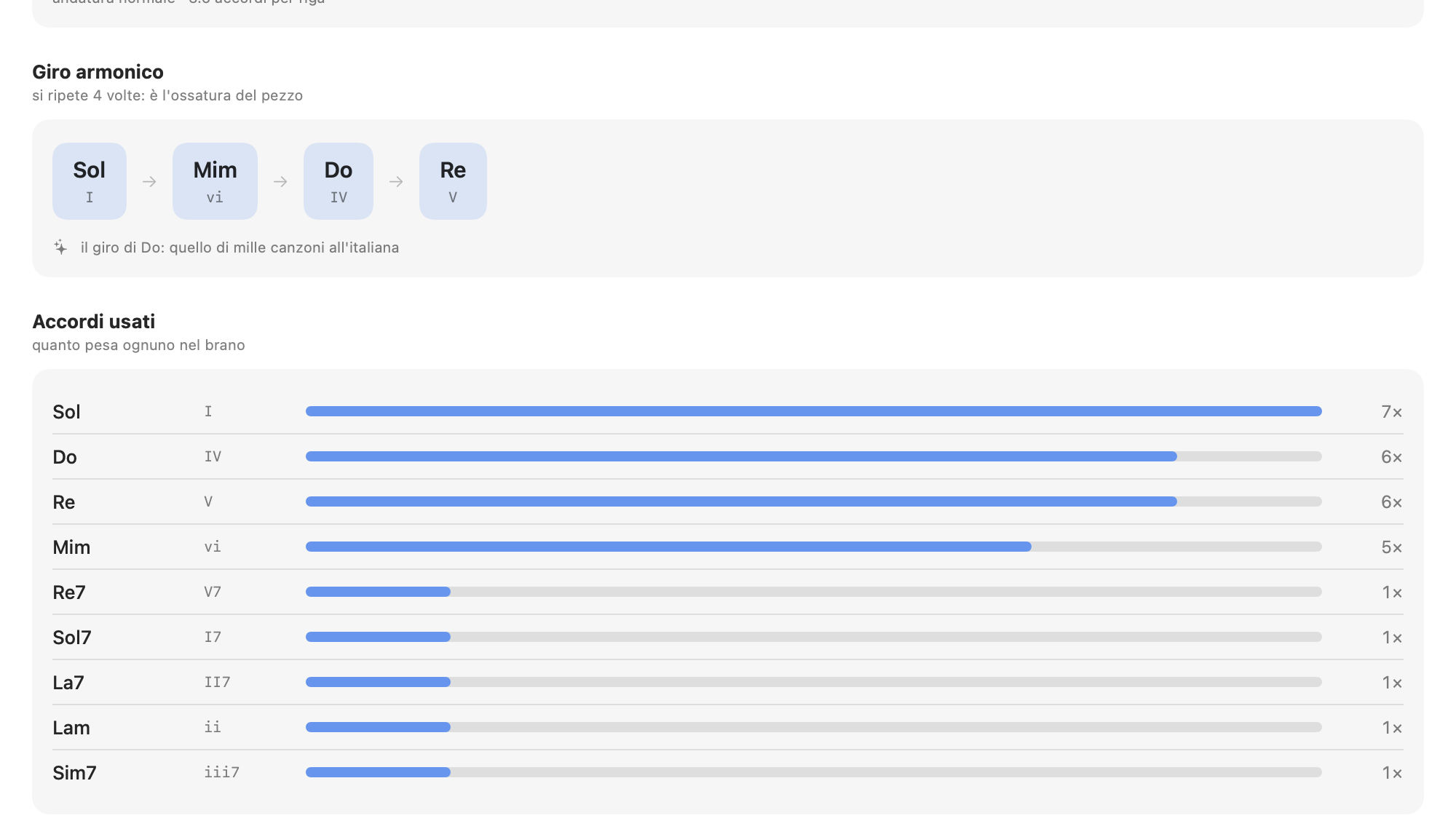
The rest of the panel: recurring progression with the degrees in Roman numerals and the progression's name when it is a recognisable one (I–VI–IV–V, I–V–VI–IV, II–V–I…); weight of every chord and count of V→I cadences; harmonic rhythm as chords per line; song structure with the page of every section; transposition of the whole analysis into another key, which changes only the reading in the panel and doesn't touch the score.
And the transposition can be taken onto the page: Armoniq looks for where every symbol is printed — scanning the drawn page, whole first and then in bands, because the symbols are tiny compared to the sheet — and writes the transposed symbol exactly on top, in blue, on a white veil covering the old one (or beside it, your choice). Your hands find the chord where they expect it: above the right note, not in a separate table. You change the transposition from the bar, − and +, and the page rewrites before your eyes. It is a layer resting on top, like the pen's markings: turn it off, and the PDF is as before.

The “Harmony” panel. It opens in the lower band and the score stays visible above: you compare the degree with what is printed on the staff without closing anything.
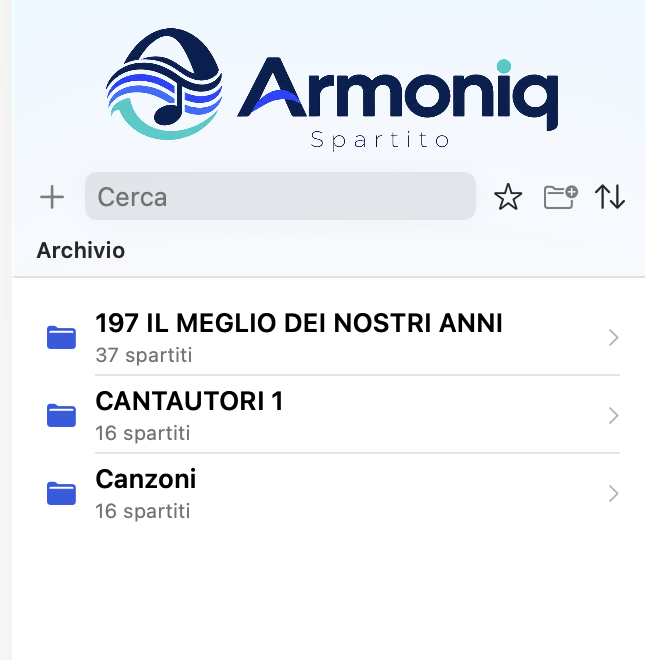
The list is the content of the folder, re-read when the folder changes. There is no import, no internal archive to keep in sync with the disk, and therefore nothing that can diverge.

The two entries at the top were two collections in a single PDF each: they are now 16 and 37 independent scores, produced by the automatic split.
Anthologies are awkward to play from: to reach the song you need you scroll half a book, and all the songs share one title, one favourite, one analysis. On PDFs with many pages Armoniq offers to split them, and to do it it uses two independent signals.
16 songs recognised — titles from the index, cuts from the titles printed on the pages.
Pages 1 and 35 excluded: no staff detected (cover and index).
The preview that precedes the split. Every row is editable before confirming.
On the Mac you prepare: you import, split, annotate, study the harmony. On the iPad, in the evening, only the score must remain — and every gesture has to work without aiming at a small target.
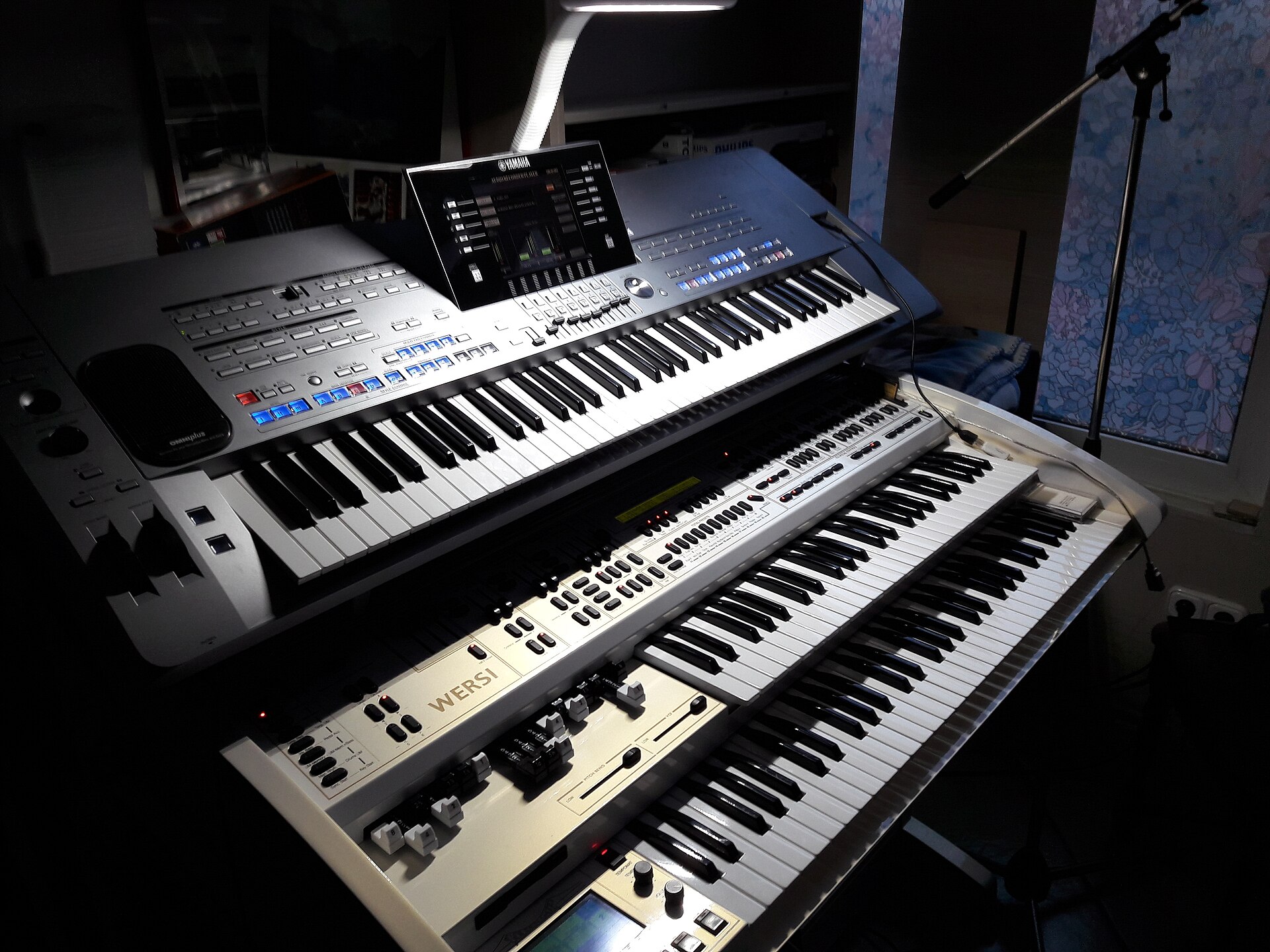
Whoever plays an arranger keyboard has, for every song, a prepared registration: voices, styles, tempo. Armoniq ties that registration to the score, so the two recall each other — with no software in between.
MIDINetworkSession is enabled, so a WiFi keyboard connects by itself, to the iPad as to the Mac.
All those that follow the MIDI standard — that is, in practice, all of them. Armoniq doesn't interpret any brand's naming: it records the bytes the keyboard sends when you select a memory and sends them back identical. These families are compatible with the score pairing and recall system; only the name each maker gives the same thing changes:
| Yamaha | Registration Memory (Genos, PSR-SX, Tyros) |
| Korg | Performance and SongBook voices (Pa series) |
| Roland | Performance / UPS (E-A7 and similar) |
| Ketron | Registration (SD, Event) |
| Nord and others | Program, Combi, Scene — stage pianos, workstations, synths |
Two conditions, the same for every brand: the keyboard must transmit something when you select a memory (often a “Transmit Program Change” switch in its MIDI settings) and must react to the same messages when it receives them.
The PDFs are already yours and live in the folder: duplicating them would make a huge, useless file. The backup takes the work that exists nowhere else.
A single .armoniq file with: all drawings and writings, indexed by the PDF's SHA-256, and the complete library index — displayed titles, favourites, manual order, authors, MIDI pairings.
Restoring adds and never deletes: what you have today that isn't in the copy stays in place. The previous index is kept anyway in .armoniq-indice-precedente.json, and the score open at that moment re-reads its markings at once.
Because the anchor is the file's fingerprint and not its path, the copy can be put onto another device where the same PDFs have different names or live in different folders: the markings find their score again.

Backup and restore go through the system file panel. No configuration, no service.
Design rule: no change to the app's behaviour ships without its switch and its explanation. What looks like an improvement on paper can be a nuisance while playing — and then it must be possible to turn it off without waiting for an update. There is also “reset everything”.
| Switch | Default |
|---|---|
| Score stays still — no scrolling or bounce when the whole page fits | on |
| One page at a time (iPad) instead of continuous scrolling | on |
| Swipe page turn on the score | on |
| Touch in the centre hides the bars | on |
| Trim the white margins around the music | on |
| Page number translucent while the bars are hidden | on |
| Shadow under the pages — pretty, but costs smoothness on iPad | off |
| Switch | Default |
|---|---|
| Writing tools open at launch | off |
| Panels at the bottom of the screen instead of centred windows | on |
| Thumbnail strip | off |
| Opening the library closes the panels | on |
| Opening a score dismisses the library | iPad yes · Mac no |
| Library pinned (turned on from the library itself) | off |
| Instrument for fingerings: guitar, keyboard or both | both |
| ← → | Previous / next page |
| ⌘− ⌘+ | Zoom in 1.25× steps |
| ⌘0 | Fit to page |
| ⇧⌘W | Fit to width |
| ⌘R | Rotate 90° |
| ⌘E | Opens and closes the writing tools |
| ⌘N | Night mode |
| ⌘P | The stage: a screen full of music, page still |
| ⌘Z · ⌘, | Undo the last stroke · Settings |
| Platforms | One multiplatform SwiftUI app: iPadOS 18+ and macOS 15+, native Apple Silicon |
| Formats | PDF (text or scan). No proprietary format in or out |
| Rendering | PDFKit, continuous scroll modes; page / width / double fits; 25–600% zoom |
| Annotations | PencilKit — PKStroke compatible between iPad and Mac; Apple Pencil, finger or mouse |
| OCR | Vision, on device, in Italian and English; no image ever leaves the device |
| MIDI | CoreMIDI (UMP), Bank Select MSB/LSB and Program Change; network MIDI session on iOS |
| Service files | .armoniq-indice.json, .armoniq-note/ folder, .armoniq backup |
| Network | No connection required for any feature, OCR and analysis included |
A PDF score viewer with chord symbol reading and harmonic analysis, for iPad and Mac. In field testing: access on request.
When writing, say which device you use and what kind of scores you have — notation PDFs or scans: the reading chain behaves differently in the two cases and it helps to know beforehand.